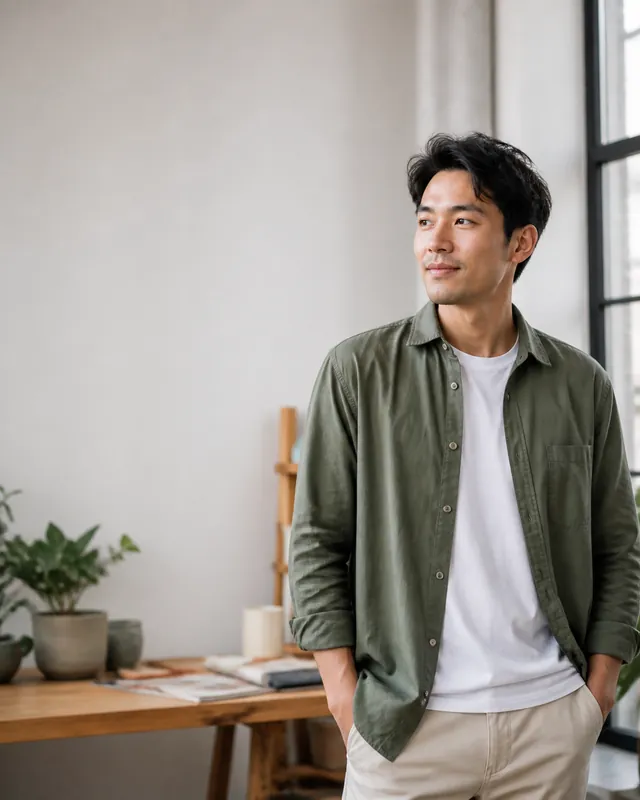
One person, three distances
Move from environmental portrait to a closer presence without losing the face or gaze.

PERMPOON IMAGEFLOW · BATCH ART DIRECTION
Set the output once, then drag and zoom each image until its composition says what you want. Finish the whole batch without surrendering your eye to automation.
CROP WITH INTENT
Similar photos can still need different decisions. One frame may be about a face, another a gesture, and another the space where your headline will sit.
Move from environmental portrait to a closer presence without losing the face or gaze.
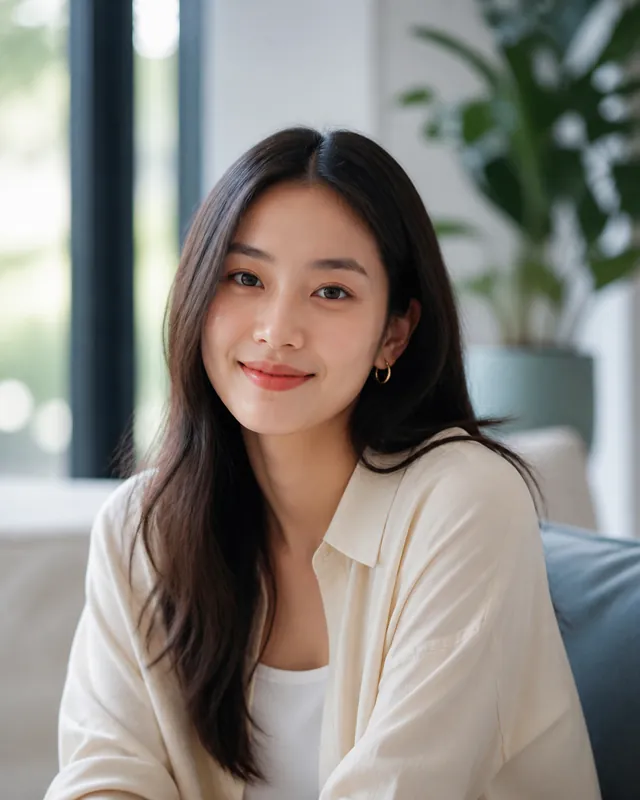
The final crop comes closer to her face while keeping forehead, eyes and chin inside the frame.
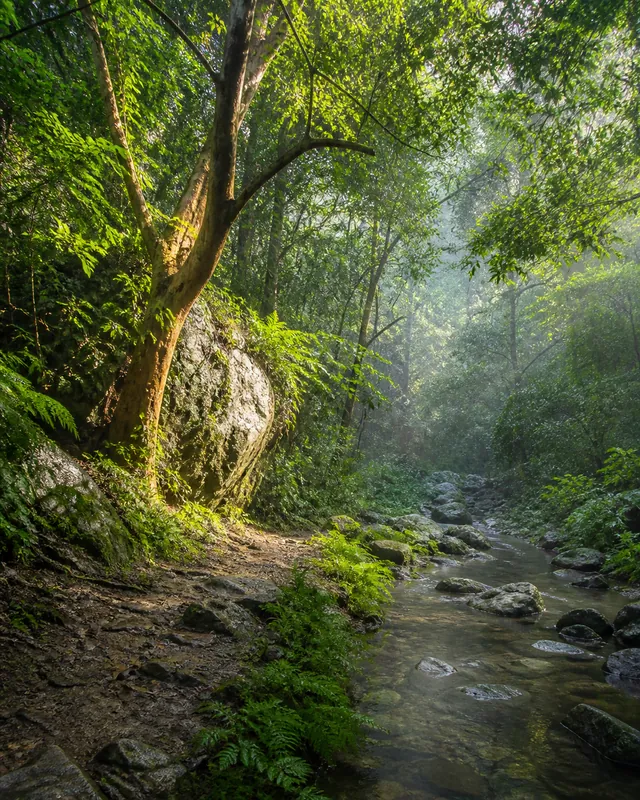
A shift of the frame can make the forest, the old tree or the stream become the main character.
ONE BATCH, YOUR DECISIONS
Drop several JPG, PNG or WebP files into one workspace.
Use 1:1, 4:5, 3:2, 4:3 or 16:9 across the batch.
Drag and zoom every image independently until the composition feels right.
Resize, convert, rename and receive the finished files in one ZIP.
PRACTICAL BY DESIGN
YOUR EYE STAYS IN CONTROL